From Noise to Signal: How OpsPhotoAnalyzer Turns Thousands of Daily Field Photos Into Actionable Operational Data
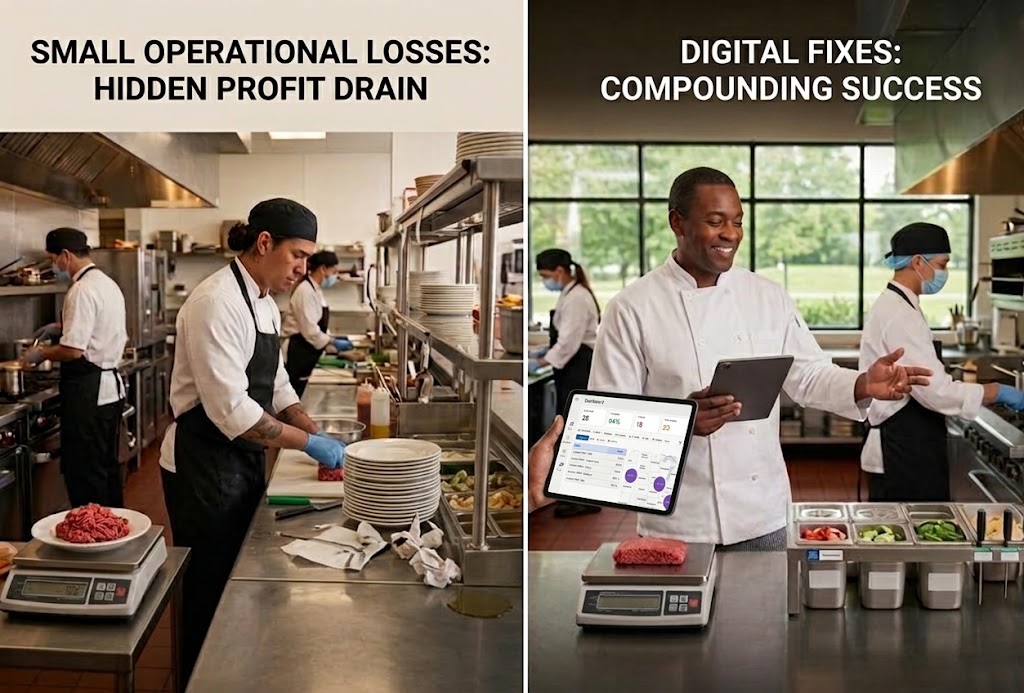
Stop the madness! Formalize workflows now for consistent profits, training & success

Multi-unit operators collect an enormous amount of visual proof every single day. Cooler temps, prep stations, PPE checks, promo signage, equipment condition. Each shift, each location, each checklist adds another batch of photos to the pile.
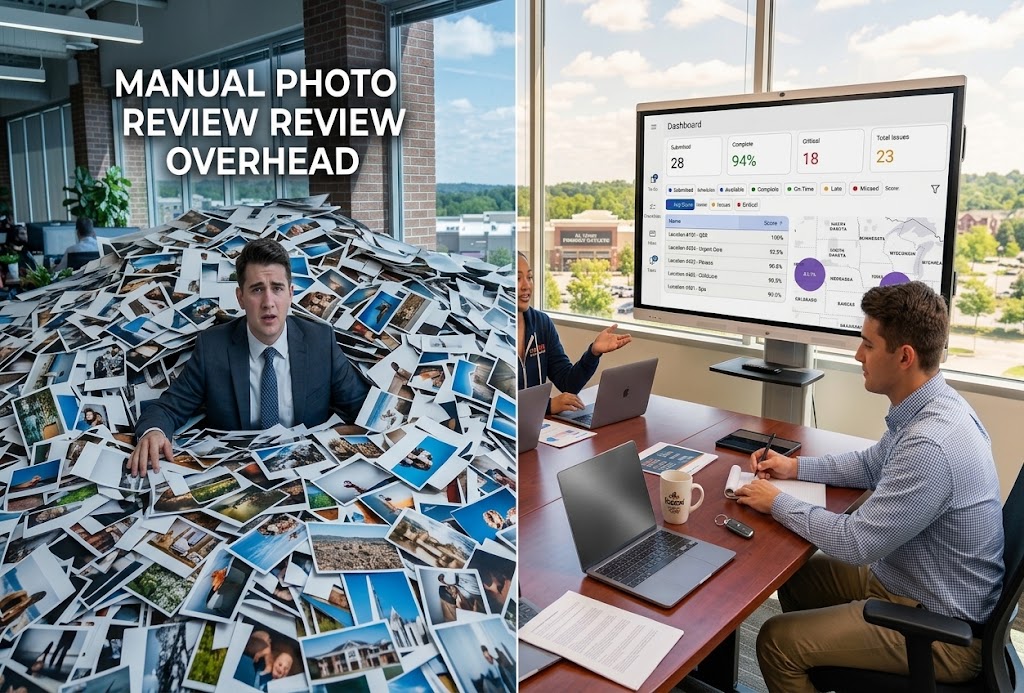
The problem isn't collecting the photos. It's what happens after. Most of that visual data sits in a folder or a report that nobody has time to fully review. A district manager overseeing a dozen locations simply cannot look at every photo from every shift. So the photos become noise: technically collected, practically ignored.
The Data Problem Multi-Unit Operators Don't See
Every checklist photo is a small piece of evidence about how a location is actually performing. On its own, one photo doesn't tell you much. But across dozens or hundreds of locations, that volume adds up fast, and most of it never gets looked at closely enough to matter.
This is the quiet cost of manual review. Regional teams end up spending hours scrolling through images just to confirm presence, not quality. A photo gets uploaded, it counts as "task complete," and the actual content of the image, whether the cooler was really at temp or the line was really reset, goes unchecked.
Even OSHA's own guidance on workplace self-inspection makes the point plainly: the only way to be certain of an actual situation is to look at it directly. That's true for a single location. It becomes nearly impossible to do consistently once you're managing photos across a multi-unit portfolio without some way to automate the first pass.
Where OpsAnalitica Fits In
The OpsAnalitica Platform was built around this exact challenge: turning the operational data your teams already collect into something leadership can actually use. Instead of treating checklists as a box-checking exercise, OpsAnalitica pairs structured, location-adaptive workflows with OpsPhotoAnalyzer AI, which reviews photo submissions and flags issues as they come in.
This isn't a scheduling tool. OpsAnalitica doesn't build shift schedules or manage labor hours. It's built to verify that the operational work already happening on the floor is actually happening to standard, and to turn that verification into usable data.
How OpsPhotoAnalyzer AI Filters the Noise
Instead of a manager or district lead opening each photo one at a time, OpsPhotoAnalyzer AI reviews submissions against your brand's exact standards as they come in. That first-pass review can help catch:
- Blurry, outdated, or recycled photos that wouldn't hold up as real proof of work
- Missing PPE or improperly set up equipment
- Cleanliness or safety gaps that would otherwise slip through unnoticed
- Photos that don't match the location, angle, or task they're supposed to document
Rather than every image needing a human set of eyes, the AI can handle that initial pass and surface the images that genuinely need attention. That shift, from reviewing everything to reviewing exceptions, is what makes it realistic to actually use the data your teams are already generating instead of letting it pile up unread.
Curious how this works for your own locations? Schedule a demo to see OpsPhotoAnalyzer AI review submissions in real time.
From Individual Photos to Portfolio-Wide Data
A single verified photo is useful. Thousands of verified photos, tagged and scored consistently across every location, is something else entirely: a real operational dataset.
This is where advanced scoring, tagging, data collection, and reporting come in. Once photos are being reviewed consistently instead of spot-checked at random, patterns start to show up that a single store visit would never reveal. Maybe one region consistently struggles with a specific line check. Maybe a particular task gets pencil whipped more often on weekend closing shifts. That's the kind of pattern only visible once individual photos become structured, comparable data points.
Whether you're running a multi-location restaurant chain or managing checklists across retail, hospitality, or facilities teams, the underlying challenge is the same: raw photos alone don't tell leadership much. Structured, scored data does. And because that data reflects what's actually happening on the ground rather than what a report claims happened, it can also feed into broader operations execution processes, like tracking trends that affect P&L, not just pass or fail compliance checks.
What This Looks Like in Practice
Turning field photos into structured data changes what leadership can actually see and act on. A few examples of what that shift makes possible:
- District managers get a ranked list of locations that need attention instead of a folder of unsorted images
- Recurring issues at a specific location or task become visible over weeks, not just the day they happen
- Corporate teams can compare execution across regions using consistent, comparable scores instead of one manager's subjective read on a photo
- Frontline staff get faster feedback because flagged issues surface immediately instead of days later in a report
None of this replaces good management. It just gives managers something they didn't have before: a clear signal pulled out of a pile of photos that used to be too large to review by hand.
FAQs
Do we need thousands of locations for this to be useful? No. Even a handful of locations benefit from consistent scoring and tagging instead of relying on whoever happens to review the photos that week.
Does this replace manual audits entirely? No. It handles the routine first pass so district managers and QA teams can spend their time on the exceptions and locations that actually need a closer look.
What kind of data comes out of this? Scored, tagged results tied to specific tasks and locations, which can be tracked over time to spot patterns instead of one-off snapshots.
Ready to Improve Your Operations?
Get our FREE checklists to streamline processes, boost efficiency, and save time.